Why Used Enterprise Networking Gear Outperforms Consumer Hardware
Most people stick with the router their internet provider gives them, never exploring other options. But that default setup often hides significant limitations. Consumer networking devices are designed for basic connectivity, not for maximizing network performance or security. In contrast, used enterprise-grade routers, switches, and firewalls offer advanced features, rock-solid reliability, and often a lower price tag. Here’s everything you need to know about why enterprise gear can be a smarter choice for power users and home server enthusiasts.
What makes enterprise networking gear different from consumer hardware?
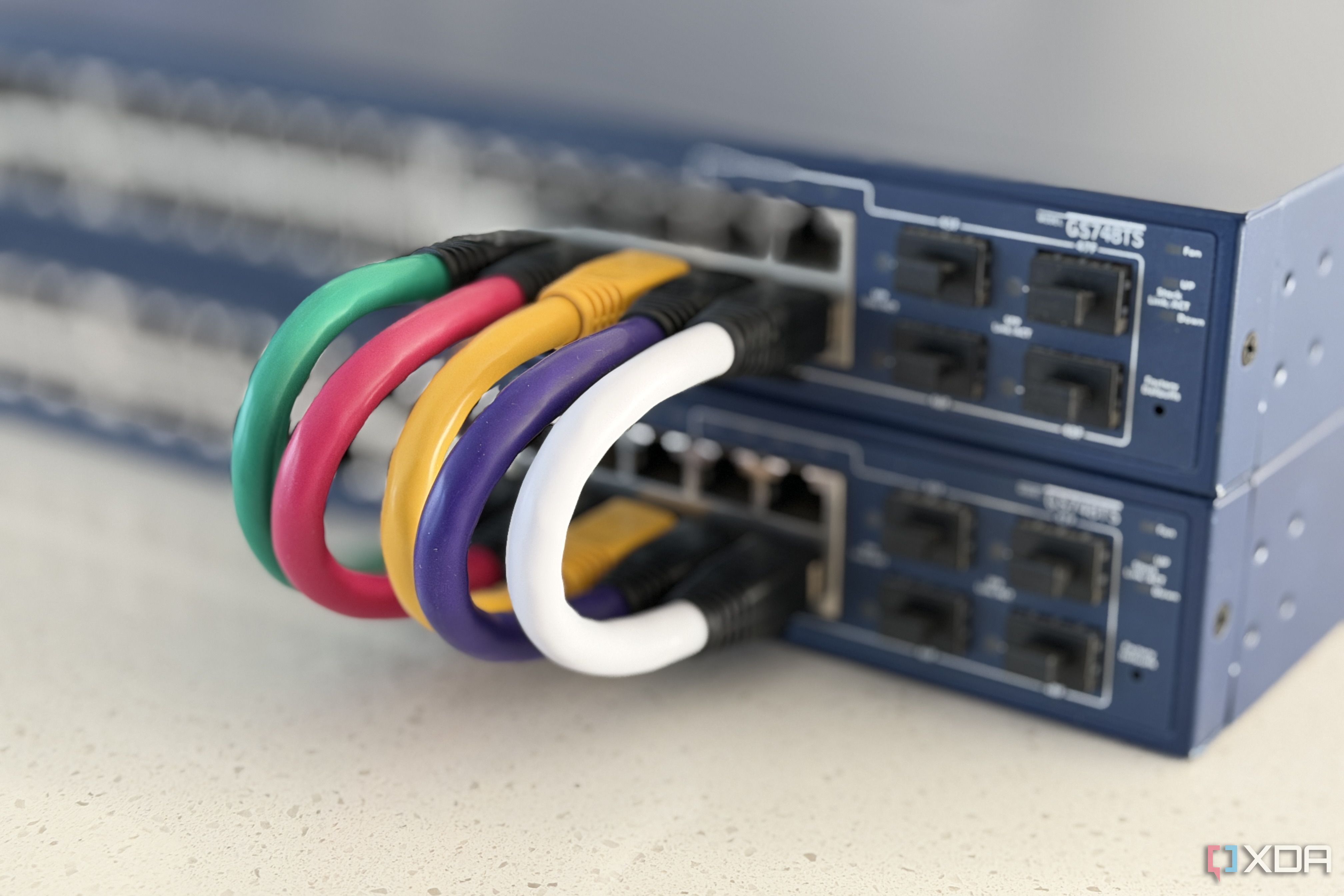
Enterprise hardware is built for continuous 24/7 operation, with components designed to withstand heavy loads and environmental stressors. Unlike consumer devices, which often prioritize ease of use over performance, enterprise gear provides granular control over network settings. You get access to features like VLANs, advanced QoS, deep packet inspection, and robust firewall rules. This allows you to segment traffic, prioritize bandwidth for critical tasks, and monitor network activity in real time. Consumer routers, by contrast, tend to bundle these capabilities behind simplified interfaces or omit them entirely, limiting your ability to troubleshoot or customize. In short, enterprise gear gives you the tools to truly optimize your network, not just connect to the internet.
Why is used enterprise gear often cheaper than new consumer routers?
The used market for enterprise equipment is driven by businesses upgrading their infrastructure every three to five years. These devices are built to last much longer than typical consumer products, so a used enterprise router from a few years ago can still outperform a brand-new consumer model. Prices for such devices often drop to a fraction of their original cost—sometimes under $100—while still offering better performance and features. Meanwhile, high-end consumer routers with similar capabilities can cost several hundred dollars. The catch is that you may need some technical knowledge to configure them, but for those willing to learn, the savings are substantial.
What advanced features do enterprise devices offer that consumer gear lacks?
Enterprise networking gear typically includes features that are rare or non-existent in consumer products. These include:
- VLAN support – Isolate IoT devices, guests, or work traffic on separate virtual networks.
- Advanced QoS – Prioritize traffic for gaming, streaming, or voice calls with fine-grained rules.
- Stateful firewall – Monitor and control traffic based on connection states, not just ports.
- SNMP and logging – Get detailed metrics and alerts for network monitoring.
- Redundant power supplies – Keep running even if one power source fails.
Consumer routers often limit these to basic presets or charge a premium for a single feature. Enterprise gear bundles them all, giving you professional-level control without ongoing subscription fees.
How does enterprise hardware improve security over consumer routers?
Enterprise firewalls and routers are designed with security as a core function. They support features like intrusion detection and prevention (IDS/IPS), VPN termination with strong encryption, and granular access control lists (ACLs). Many consumer routers lack these entirely or offer watered-down versions. For example, an enterprise device can block malicious traffic patterns in real time, while a consumer router might only filter by known bad URLs. Additionally, enterprise firmware receives regular security patches for years, whereas consumer routers often stop updating after a short period. This makes enterprise gear far more resilient against modern cyber threats, especially for home labs or sensitive data.
Can enterprise gear be too complex for home users?
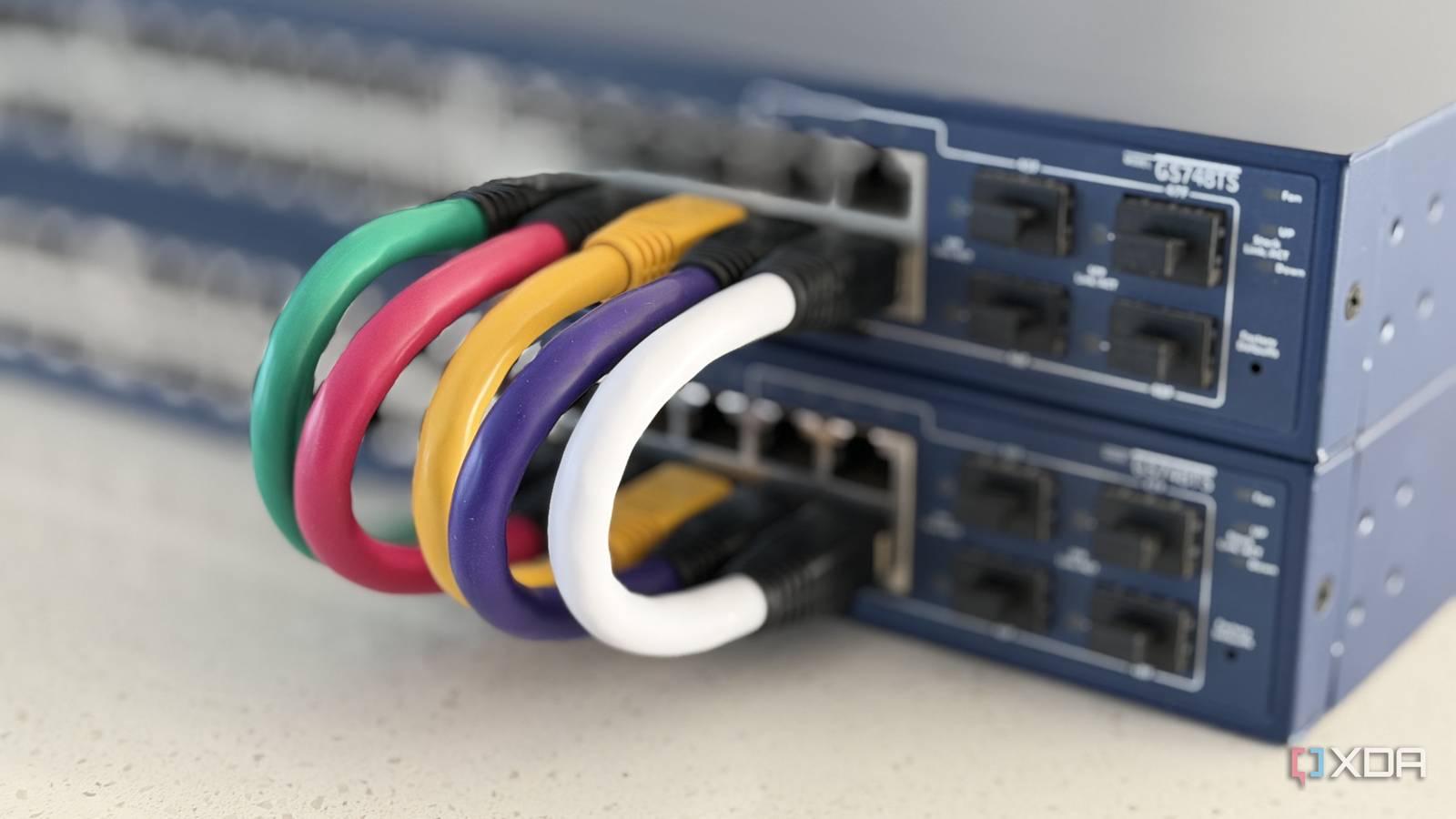
Potentially, yes. Enterprise devices often assume the user has networking knowledge, with command-line interfaces or complex web UIs. However, many models offer web-based wizards or community guides that simplify initial setup. For users willing to spend a weekend learning, the payoff is significant. There's also a thriving community of enthusiasts who share configuration templates and troubleshooting tips. If you're comfortable with basic networking concepts (like IP addresses and subnets), you can manage an enterprise device. For those who just want plug-and-play, a consumer router is still the better choice. But the learning curve is a small price to pay for superior performance and control.
What kind of reliability improvements can you expect from enterprise networking gear?
Enterprise devices are engineered for continuous uptime. They use higher-quality capacitors, fan-cooled components, and industrial-grade chips that can handle heat and heavy traffic without instability. Consumer routers often throttle performance or crash under sustained load, especially with many connected devices. In contrast, a used enterprise switch or router can comfortably support dozens of clients, run 24/7 for years, and maintain full throughput even under peak demand. Many also support link aggregation and failover configurations, so a single point of failure doesn't take down your network. This reliability is critical for home servers, media streaming, or remote work setups.
Should everyone replace their consumer router with enterprise gear?
No. For the average user who just checks email, browses social media, and streams video, a consumer router is sufficient. Enterprise gear requires an investment of time and knowledge that may not be worthwhile for those who don't need advanced features. But if you run a home server, have many smart devices, or need robust security and traffic management, then used enterprise hardware offers an outstanding value proposition. It exposes the flaws in expensive consumer hardware by proving that you can get better performance, security, and scalability for less money—provided you’re ready to learn a bit of networking.
Related Articles
- LDAP Secrets Management in Vault Enterprise 2.0: Essential Q&A
- 7 Things You Need to Know Before Buying the New Moto Razr Ultra
- Enhancing Documentation: Practical Examples for tcpdump and dig Man Pages
- Top Tech Deals: Budget TCL Tablets, Big Savings on Samsung Foldables, Lenovo Gaming Laptop, and Android Auto Bargains
- Bluetooth Tracker in Postcard Exposes Naval Security Flaw: Dutch Ship Tracked for a Day
- Rethinking Man Pages: How to Make Command Documentation More User-Friendly
- Enhancing Man Pages: A Q&A on Adding Practical Examples to dig and tcpdump
- 6 Key Insights on Rising Network Costs and Falling Consumer Bills