Why the Command Line Remains Essential in a Graphical World
Introduction: The Unexpected Rise of Terminal Use
If you had told me in the early 1990s that I would spend more time interacting with terminal windows today than ever before, I would have laughed. Back then, MS-DOS was the staid, old-fashioned workhorse of the industry, and graphical environments like Windows—along with more exotic systems such as AmigaOS—seemed destined to render the command line obsolete. We were all headed toward a future of sleek, mouse-driven interfaces, leaving text-based interactions behind.
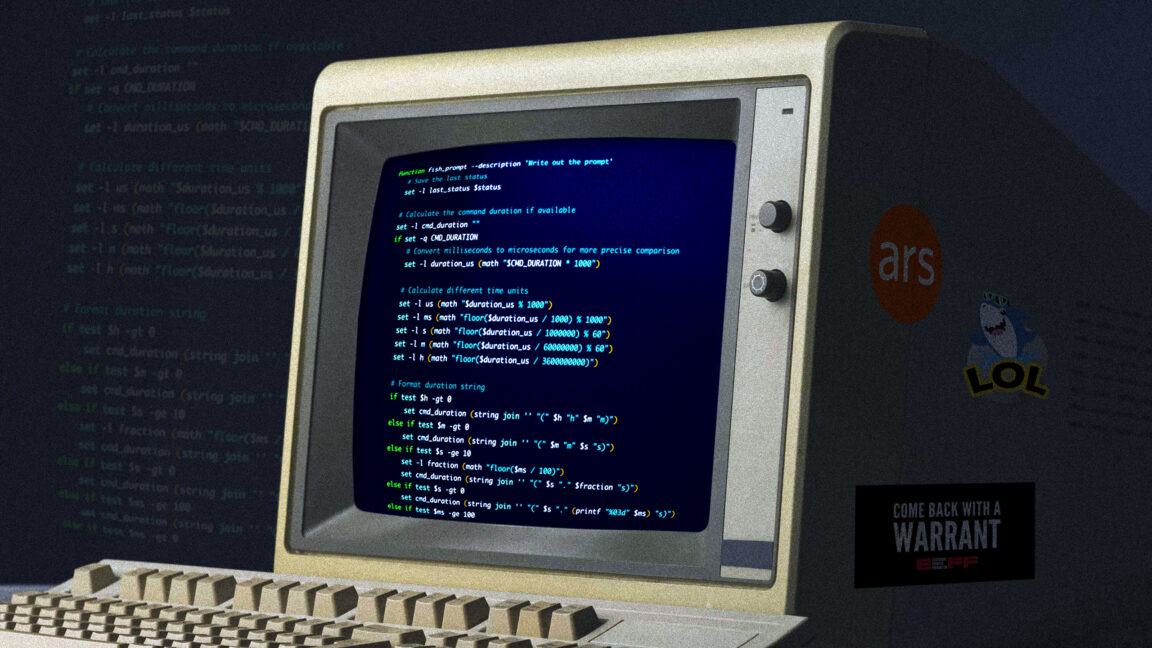
Yet here we are. The command line hasn't just survived; it has thrived in many professional and enthusiast circles. As someone who once believed GUIs would take over everything, I now find myself regularly opening a terminal for tasks that I can't imagine doing with point-and-click alone. This article explores why the command line remains so relevant and how it offers a level of precision that graphical interfaces struggle to match.
From DOS to Modern Terminals: The Persistence of Text Interfaces
A Historical Perspective
In the early 90s, the industry was abuzz with the promise of graphical user interfaces. Windows 3.1, the Macintosh, and even AmigaOS offered colorful icons, windows, and menus that supposedly made computing more accessible. The command line—whether it was DOS, Unix, or something else—was often portrayed as a relic for power users and programmers. But as we all learned, the death of the terminal was greatly exaggerated.
Why Text Still Matters
Text interfaces offer a unique blend of speed, scripting capability, and remote access that GUIs can't replicate. For instance, managing a server over SSH is trivial with a terminal, but nearly impossible without one. Moreover, the ability to chain commands, pipe outputs, and automate repetitive tasks makes the command line indispensable for developers, sysadmins, and data scientists. The terminal has evolved too: modern shells like Zsh with plugins, tmux for session management, and tools like fzf for fuzzy searching have turned the humble terminal into a power user's playground.
Precision vs. Pointing: The Case for the Command Line
The Point-and-Grunt Problem
A few years ago, I read a insightful comment (I believe it was on Slashdot) that perfectly captured a limitation of mouse-driven interfaces. The comment argued that a point-and-click interface essentially reduces the user to pointing at something on the screen and grunting, "DO! DO THAT!" at the computer. The addition of right-click context menus only allows the user to also grunt "MORE THINGS!"—it doesn't fundamentally expand the user's vocabulary of commands.
In contrast, the command line gives the user the ability to precisely tell the computer what they want done using words and structured syntax. Instead of relying on the computer to interpret a gesture within a limited context, you can specify exactly what operation to perform, on what data, and with what parameters. This precision is invaluable for complex tasks.
Examples of Precision in Action
Consider the difference between renaming 100 files in a GUI (one by one, or with clumsy batch tools) and using a single command like rename 's/old/new/' *.txt. Or compare searching for specific lines in a log file by clicking through a text viewer versus using grep with regular expressions. The command line shines when you need to do something exactly and repeatedly.
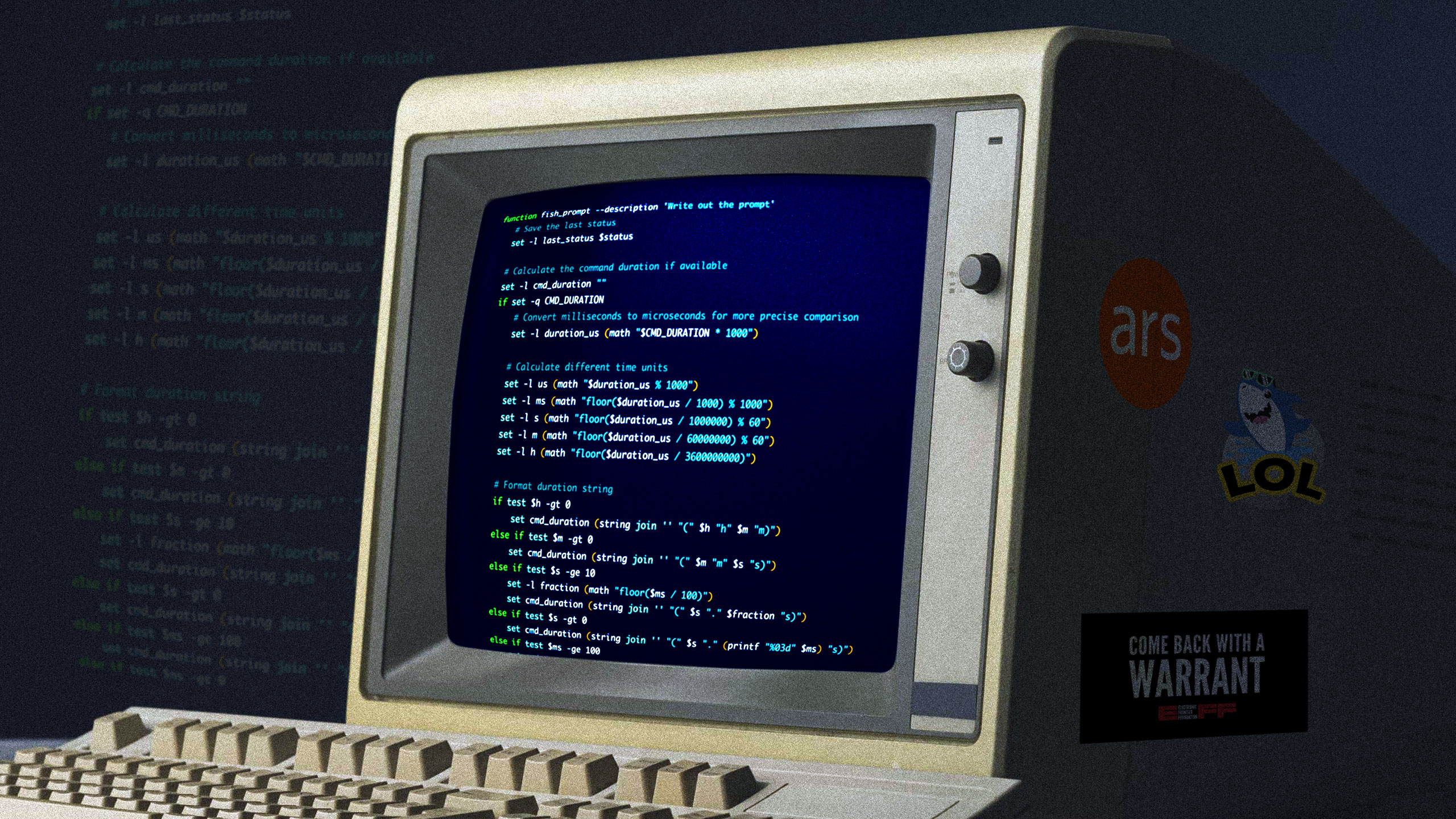
Tricked-Out Terminals: What Makes a Great Shell Setup?
Many of us have personalized our terminals with themes, plugins, and custom scripts. A well-configured terminal can boost productivity and even be enjoyable to use. Common customizations include:
- Shell choice: Bash, Zsh, Fish, or others—each with its own strengths.
- Prompt enhancements: Displaying Git status, virtual environments, or time.
- Plugins and frameworks: Oh My Zsh, powerlevel10k, or antigen for managing plugins.
- Multiplexers: tmux or screen for managing multiple sessions.
- Color schemes and fonts: Solarized, Nord, or custom themes paired with Nerd Fonts.
- Key bindings and aliases: Tailoring shortcuts for frequent commands.
For example, a user might set up alias ll='ls -lah' or bind Ctrl+F to open a fuzzy file finder. These small tweaks add up to a highly efficient workflow.
The Future of the Command Line
Far from being obsolete, the command line is evolving. New tools like bat (a cat clone with syntax highlighting), ripgrep (fast grep alternative), and jq (JSON processor) integrate seamlessly into terminal workflows. Modern terminals (e.g., iTerm2, Kitty, Alacritty) support GPU acceleration, images, and hyperlinks. The command line isn't going away—it's adapting.
In summary, while graphical interfaces have their place, the command line offers a level of precision, control, and automation that remains unmatched. Whether you're a long-time enthusiast or a newcomer, tweaking your terminal setup can unlock new levels of productivity. As history shows, the text interface is here to stay.
Related Articles
- Microsoft Overhauls Windows 11 Run Menu: Dark Mode, New Commands in Insider Test
- Navigating the Aftermath of Spirit Airlines' Shutdown: A Complete Refund and Recovery Guide
- Rider 2026.2 Early Access Unleashes Blazing-Fast Branch Switching: Up to 100x Faster
- Reddit's Mobile Web Block: Understanding the App-Only Push
- The $20 Temu Hard Drive Scam: When a 4TB 'HDD' Turns Out to Be a MicroSD Card in Disguise
- Exploring Key Innovations in Modern Journalism: Live Events and Nonprofit Sustainability
- From Nano to Neovim: A Step-by-Step Setup Guide for Terminal Editing
- Apache Camel Launches Enhanced Observability Tools for Real-Time Application Monitoring