How Growing Businesses Can Streamline Income and Expense Tracking
As a business grows, manually tracking income and expenses with spreadsheets becomes error-prone and time-consuming. Automated financial tracking offers a smart alternative, providing real-time insights, reducing mistakes, and scaling effortlessly with increasing transaction volumes. Below, we answer key questions about making the switch and optimizing your financial operations.
1. Why should a growing business move away from spreadsheets for financial tracking?
Spreadsheets may work when you have a handful of transactions, but as your business expands, they quickly become a liability. Manual data entry is prone to typos, missed entries, and formula errors. Reconciling bank statements can take hours, and you have no real-time view of your cash flow. Automated systems eliminate these risks by syncing directly with bank accounts and payment processors. They update balances instantly, flag discrepancies, and generate reports without human intervention. This shift saves time and ensures accurate financial records, which is critical for making informed decisions, applying for loans, or preparing taxes. In short, automation scales with your business while spreadsheets hold you back.
2. What are the main benefits of automated income and expense tracking?
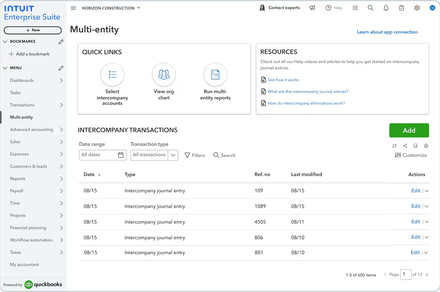
Automated tracking brings several advantages to a growing company. First, real-time visibility lets you see exactly where your money is at any moment—no more waiting for month-end reports. Second, it reduces errors because transactions are imported digitally rather than typed by hand. Third, reporting efficiency improves; you can generate profit-loss statements, expense summaries, or tax reports with a few clicks. Fourth, automation handles volume seamlessly—whether you have 100 or 10,000 transactions a month, the system processes them without extra work. Finally, many tools integrate with payroll, invoicing, and inventory software, creating a cohesive financial ecosystem. These benefits free up time for strategic growth activities instead of tedious bookkeeping.
3. What features should I look for in an automated financial tracking tool?
When choosing a tool, prioritize these features: bank and credit card syncing for automatic transaction imports; categorization rules that learn from your habits to sort expenses; receipt capture via mobile app or email; multi-user access so your accountant or team can collaborate; reporting dashboards for key metrics like cash flow and profitability; and scalability—the tool should handle growing transaction volumes without performance issues. Also consider integration with your existing software (e.g., CRM, payroll) and whether it supports tax preparation (e.g., exporting data to TurboTax). Cloud-based solutions are typically best because they update automatically and are accessible anywhere. Avoid tools that lack bank-level security or charge hidden fees for extra users or transactions.
4. How does automated tracking improve accuracy compared to manual methods?
Manual tracking relies on humans to enter every transaction, which inevitably leads to mistakes—like transposing numbers, forgetting an expense, or misclassifying an item. Automated systems import transactions directly from financial institutions, so the data is exact from the source. They also run validation checks, such as matching imported amounts to receipts or flagging duplicate entries. Categorization can be set on autopilot with rules (e.g., “any transaction from Amazon = office supplies”). Over time, the system learns and becomes even more precise. Because everything is connected, reconciliation is nearly instantaneous—your digital records will always match your bank balance. This level of accuracy builds trust in your financial reports and prevents costly surprises during audits or tax season.
5. Can you give an example of a typical automated workflow for income and expenses?
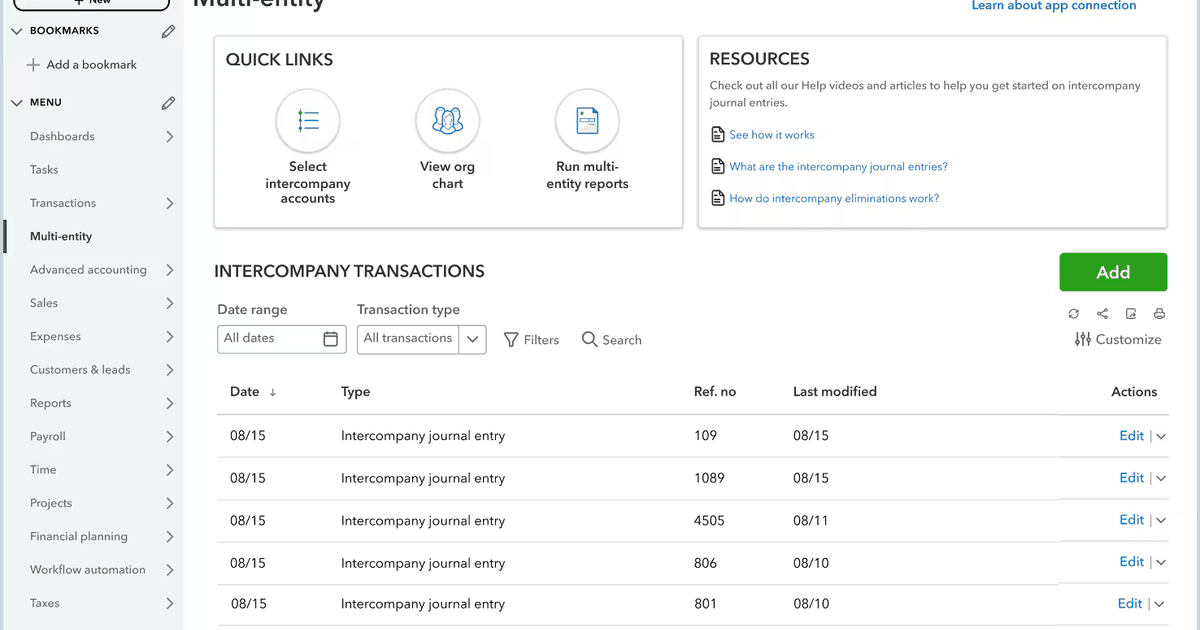
Sure. Imagine a growing e‑commerce store. Every sale from the website flows automatically into the accounting tool via a payment gateway integration (like Stripe or PayPal). Bank feeds sync daily, pulling in all debit and credit card transactions. When the owner receives a receipt via email, a tool like Receipt Bank or Expensify extracts the data and attaches it to the corresponding transaction. The software categorizes office supplies, software subscriptions, and shipping costs based on predefined rules. At the end of the month, the owner runs a profit and loss report with one click, and the real‑time cash flow dashboard shows exactly how much is available for reorder. No manual entry, no spreadsheets, no guesswork. This workflow saves hours each week and minimizes human error.
6. What are the common pitfalls when transitioning to automated tracking?
While automation is powerful, poorly implemented transitions can cause headaches. A common pitfall is not cleaning up existing data before migrating—duplicates, outdated categories, or uncleared transactions create confusion. Another is over‑relying on rules without review; automated categorization can mislabel unusual transactions (e.g., a personal expense on a business card). Some businesses also neglect reconciliation—thinking automation means “set it and forget it.” In reality, you still need to review bank statements regularly to catch errors or fraud. Additionally, choosing a tool that doesn’t integrate with your bank or lacks scalability can force a painful switch later. To avoid these, plan a phased rollout, test with a small dataset, and schedule monthly audits of your automated system.
7. How can automation help with tax preparation and compliance?
Automated tracking makes tax season far less stressful. All transactions are already categorized, so you can run a Schedule C or profit‑loss statement in seconds. Receipts are stored digitally and linked to expenses, providing a clear audit trail. Many tools offer sales tax calculation features for businesses that collect tax, and some can track mileage for vehicle deductions. Come tax time, you can export data directly to tax software (like QuickBooks to TurboTax) or hand your accountant a clean set of records. Because the system is always up‑to‑date, you never scramble to find missing receipts or forgotten transactions. This proactive approach reduces the risk of filing errors and helps ensure you claim all eligible deductions, maximizing your tax savings.
Related Articles
- 10 Key Insights from the GPT-1 Paper That Revolutionized Language AI
- From CEO to Chairman: Joel Spolsky's Next Chapter
- JetStream 3.0 Benchmark Debuts: Web Browsers Face New Performance Gauntlet with WebAssembly Overhaul
- 8 Critical Insights for Scaling WireGuard Beyond a Single Server
- FlexiSpot C7 Morpher: Understated Office Chair Delivers Surprising Ergonomic Comfort
- U.S. Men Sentenced to Prison for Operating 'Laptop Farms' for North Korean Hackers
- 6 Key Features of the Aiper EcoSurfer S2 Pool Skimmer That Make It a Top Contender
- Installing ReactOS: A Step-by-Step Guide to the Free Windows Clone